
Reviewing an engagement
The Engagements page is the central workspace for verifiers. It lists all active and historical verification engagements and provides access to the review tools for each one.
Engagement statuses
Status | Meaning |
Pending | Request received, not yet accepted |
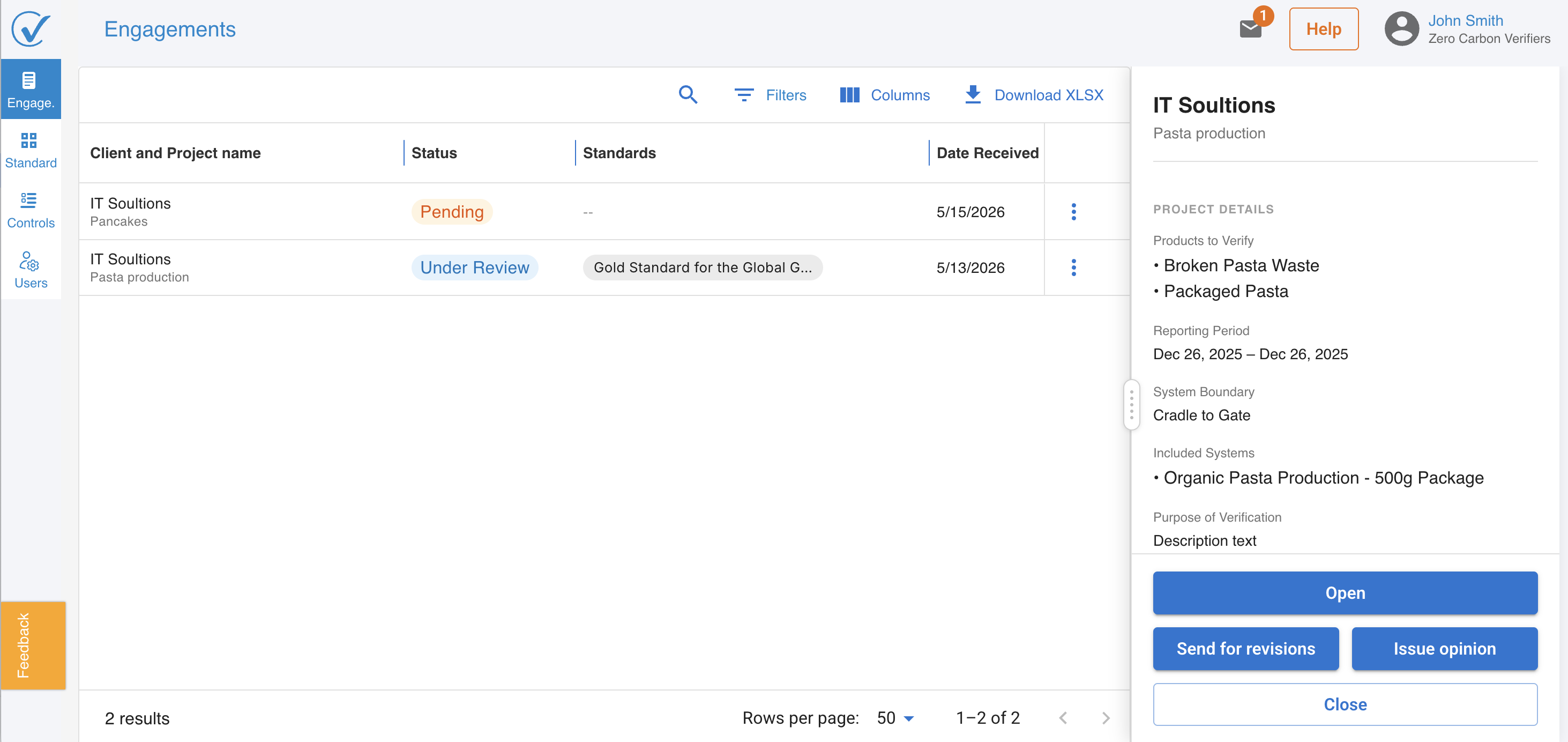
Under review | Engagement accepted; review is in progress |
Opinion issued | Verification opinion has been submitted |
Declined | Verifier declined the request |
Opening an engagement
1. Go to the Engagements page.
2. Click on an engagement to open its detail view.
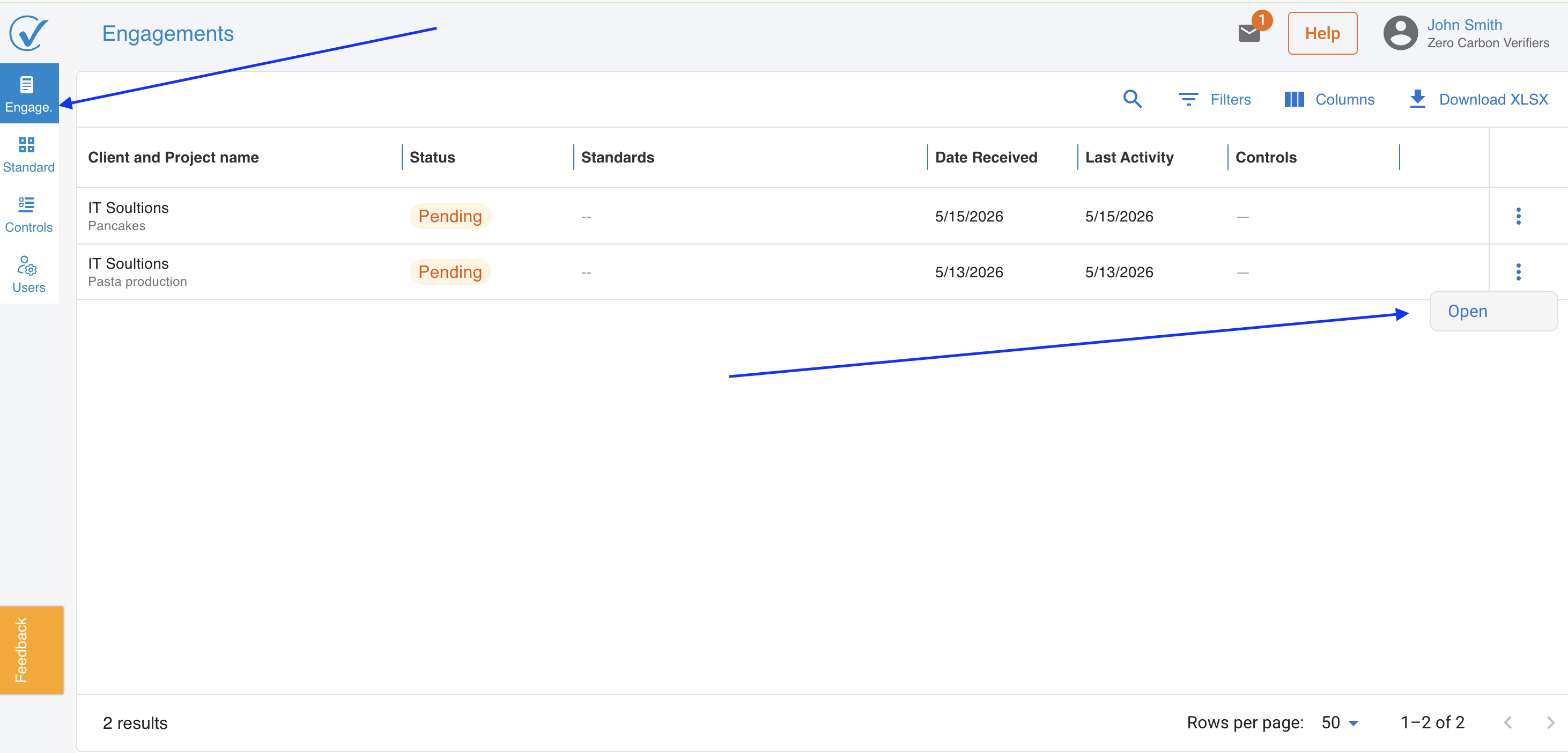
The detail view provides access to the engagement's products, the associated Standards page, and the Controls page.
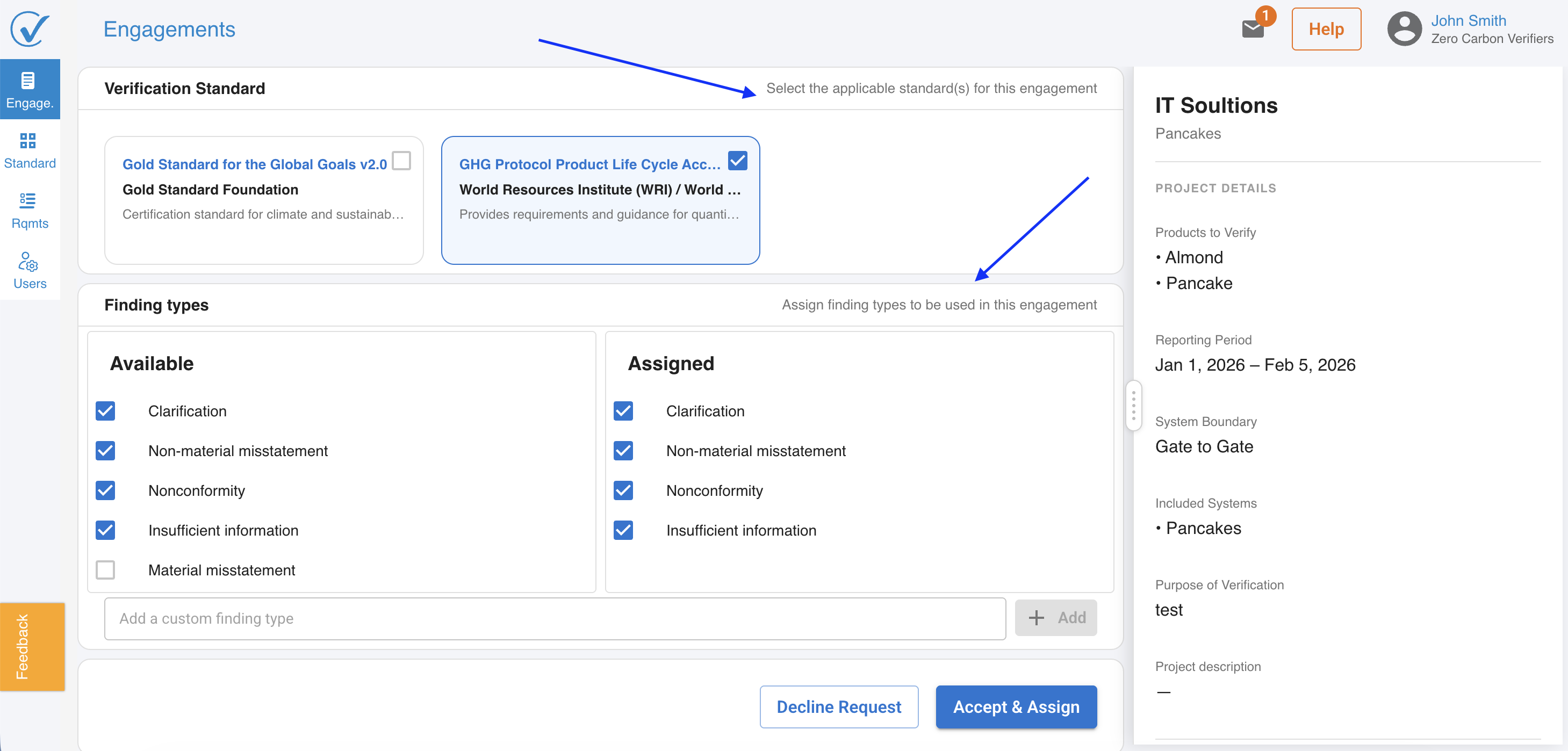
Navigating the engagement detail view
From within an engagement, verifiers can access:
- Products: The list of registered models and products included in the verification scope.
- Standards: The standards applicable to the engagement.
- Controls: The internal controls review for the engagement.
- Issue opinion: Available when the engagement status is Under review.
Related articles
- Accepting a verification request
- Setting up and reviewing standards
- Setting up and reviewing requirements
- Issuing a verification opinion
Last updated: May 2026
Last updated: 6/1/26, 11:46 AM